Hotel Lobby CapCut Template: What CapCut Offers Right Now
Short answer: as of October 6, 2026, CapCut has no public template that makes the AI version of the Hotel Lobby trend, where two people from your photos perform in the orange booth. The CapCut templates named “hotel lobby” are older music and velocity edits from 2022, 2023 and 2025. CapCut’s own Hotel Lobby pages tell you to generate the AI clip first, in Higgsfield Genjutsu or with an AI video generator, and then use CapCut to edit and export it.
Below is what CapCut and Dreamina, CapCut’s AI generator, offer for the trend, step-by-step routes that actually match their pages, and what each costs. We checked every page logged out. We also make MigosAI (migosai.si), which renders the two-person booth from photos with no template or editing step, and we say where it fits.
Updated
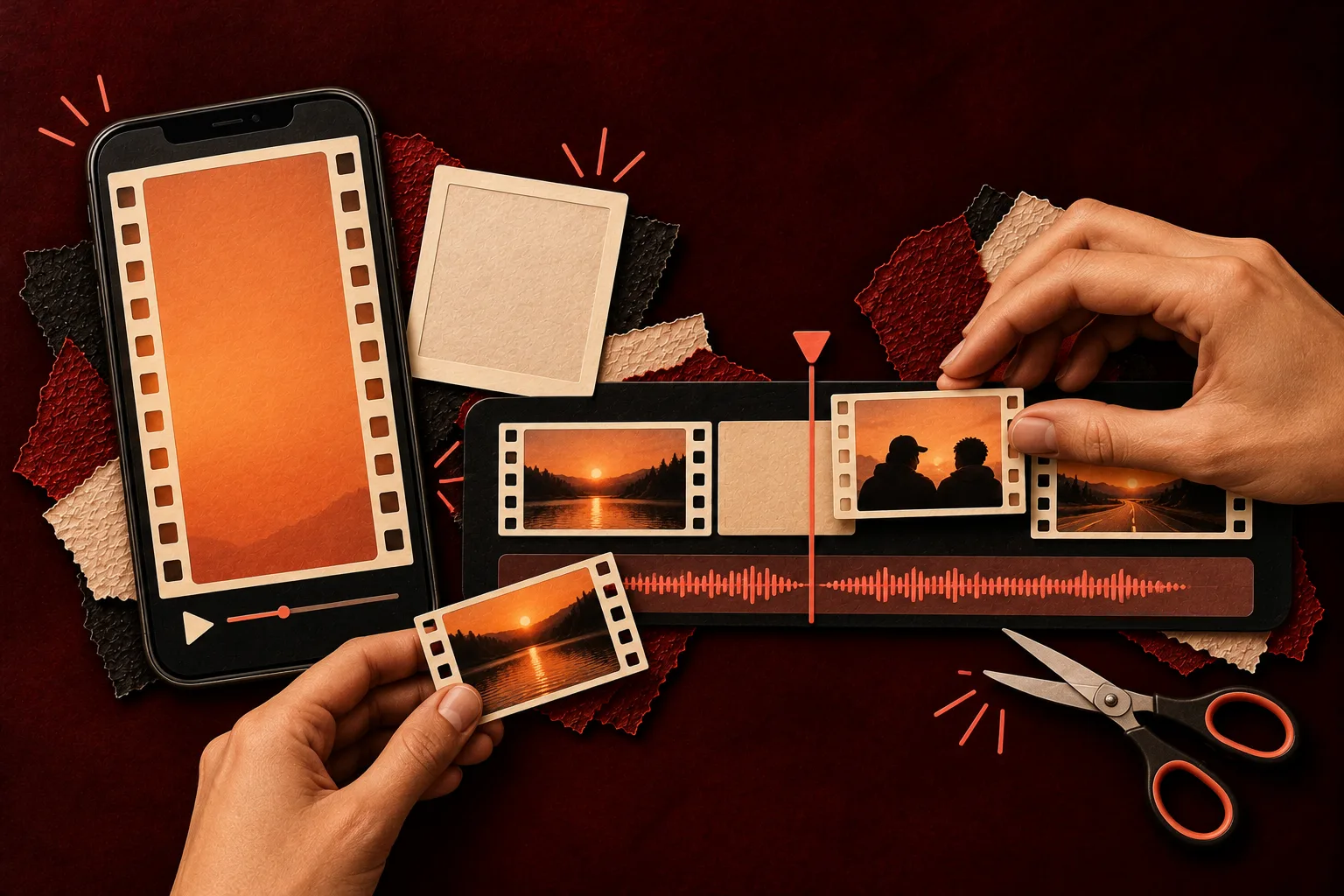
What CapCut has for “Hotel Lobby” today
| What you find | What it really is | Makes the AI booth duet? |
|---|---|---|
| “hotel lobby” template | A one-clip music edit, about 29 seconds, 3:4, created May 2025; about 76,700 uses | No |
| “Hotel Lobby” velocity template | A sports velocity edit with seven clip slots, created November 2023 | No |
| “hotel lobby - migos” template | A one-clip music edit from November 2022 | No |
| “Hotel Lobby Trend Templates” page | A CapCut listing page that shows dance and real estate templates | No |
| CapCut “Hotel Lobby AI Free” page | A workflow guide: generate in Higgsfield Genjutsu, finish in CapCut | Not inside CapCut |
| CapCut “Hotel Lobby AI filter” page | The same workflow; it says the effect is not a named filter | Not inside CapCut |
Checked on CapCut’s website on October 6, 2026. Templates that exist only inside the app cannot be searched from the web, so a newer one may exist there. Look at the creation date and the number of photo slots before you trust it: the AI booth needs two people.
Two more things we checked. CapCut’s US App Store listing (free, with in-app purchases, number one in Photo & Video that day) showed no Hotel Lobby in-app event. And CapCut’s page about its Seedance 2.5 AI video model says it is rolling out to subscriber accounts in Europe, Asia, the Middle East and South America; the US is not on that list yet.
No template to hunt for
Make the two-person booth here
One photo per person, or one photo of you both. The booth and the moves are built in, and the credit cost shows on the button before you create.
Who’s on the record
Stage
Video & sound
This video costs 6 credits and takes about 5 to 15 minutes. If it fails, your credits come back. See prices
Route 1: use a “hotel lobby” CapCut template
Fine if you want a quick music edit, not the AI duet.
- Install CapCut and open the Templates tab.
- Search for “hotel lobby” and open a template. Check how many clips it asks for and when it was made.
- Tap Use template, pick your photos or clips from the camera roll and let CapCut fill the slots.
- Preview, then export or share straight to TikTok.
Using a template costs nothing. What it cannot do: put two new people into a fresh booth performance, or swap the song for a rap about you.
Route 2: make the AI duet in Dreamina, finish it in CapCut
Dreamina is CapCut’s AI image and video generator; it lives at dreamina.capcut.com. Its Hotel Lobby AI filter page gives copy-and-paste prompts for the two-person booth on the Seedance 2.5 model. The steps, as that page describes them:
- Get two separate photos, one person in each, that you have permission to use. Decide who stands on the left and who on the right.
- In Dreamina, open AI Video, choose image to video and the Seedance 2.5 model, then upload both photos.
- Paste one of the page’s prompts, for example its “Fast Friends” template, set 9:16 and keep the camera static.
- Generate. Check both faces, the hands and that nobody swapped sides; change one thing at a time if you retry.
- Download the clip, open it in CapCut, add captions and audio you have the rights to, and export.
| Dreamina cost (checked October 9, 2026) | Detail |
|---|---|
| Free | Its Hotel Lobby AI filter page says Dreamina “may provide free credits or trial access for eligible accounts”, with no number |
| Basic | $15 a month (checked October 9, 2026; regional prices may vary); 1,575 credits a month |
| Watermark | Removing the Dreamina watermark from downloads is listed as a paid plan benefit |
| Sound | Dreamina tells you to use licensed or self-created audio |
Route 3: CapCut’s own suggestion, Higgsfield then CapCut
CapCut’s “Hotel Lobby AI Free” page points you to Higgsfield Genjutsu for the generation, then back to CapCut for timing, text and export. It also says, in its own words, that it “does not promise a free render”, because Genjutsu charges credits. Costs, plans and the free-account watermark are covered in our Higgsfield Hotel Lobby guide.
Route 4: skip the template and the editor
On MigosAI, the orange booth, the hanging mic and the routine are built in. Add a photo for each person (left raps, right hypes), or use One photo for a picture of both. Wan 3.0 keeps the template’s original Hotel Lobby recording, or plays Your song; a Seedance model writes a new AI rap from a topic instead. Choose 9:16 in Video settings and press Create video.
- Price: 6 credits for 12 seconds at 480p; the smallest one-time pack is 10 credits for $9.99. No subscription, and no free render or preview.
- Time: usually about 5 to 15 minutes; close the tab and find it later in My videos.
- Output: an MP4 with no watermark, so you can still drop it into CapCut for captions. See add captions to an AI rap video.
- Limit: the booth clip runs 5, 8, 10, 12 or 15 seconds, not the full original length.
Which route fits you
| You want | Best route |
|---|---|
| A free music edit with your clip, no AI | Route 1, a CapCut template |
| The AI duet, and you like writing prompts | Route 2, Dreamina, then CapCut |
| To recast any video, not only the booth | Route 3, Higgsfield Genjutsu |
| The two of you in the booth from photos, with the original track, on a phone | Route 4, MigosAI |
Questions
Is there a CapCut template for the Hotel Lobby AI trend?
Not one we could find on October 6, 2026. The CapCut templates named “hotel lobby” are older music and velocity edits, and CapCut’s own trend pages send you to an AI generator for the two-person booth.
Does CapCut have a Hotel Lobby AI filter?
No named filter. CapCut’s Hotel Lobby AI filter page itself says the effect is made by generating the clip, not with a filter, and it points to Higgsfield Genjutsu for that step.
Can I make the Hotel Lobby AI video for free with CapCut?
The CapCut template route is free but does not make the AI duet. The AI routes use credits: Dreamina mentions free credits only for eligible accounts and lists watermark removal as a paid benefit, and CapCut’s own page says it does not promise a free render.
Is Dreamina the same as CapCut?
Not quite. Dreamina runs on CapCut’s domain (dreamina.capcut.com), but it is a separate AI image and video generator with its own plans. Its Basic plan is listed at $15 a month (checked October 9, 2026; prices may vary by region).
Do I need CapCut to post the video on TikTok?
No. CapCut is useful for captions and trims, but any MP4 can be posted. MigosAI (migosai.si) gives you a finished MP4 without a watermark, ready to post as it is.
Sources
- CapCut: Hotel Lobby AI Free
- CapCut: Hotel Lobby AI filter
- CapCut: Hotel Lobby Trend Templates
- CapCut template: hotel lobby (2025)
- CapCut template: Hotel Lobby velocity edit (2023)
- CapCut template: hotel lobby - migos (2022)
- CapCut: Seedance 2.5 in the video editor
- CapCut on the US App Store
- Dreamina: Hotel Lobby AI filter prompts
- Dreamina: Hotel Lobby AI video trend
- Dreamina: pricing
Read next
Higgsfield Hotel Lobby: What Genjutsu Is and What It Costs
Higgsfield Genjutsu explained for the Hotel Lobby trend: what the tool does, the steps creators use, credit costs and plans from Higgsfield’s own pages (October 2026), the free-account watermark and the limits
Add Captions to an AI Rap Video (and Fix Misheard Names)
Captions after download: which app to use, the taps in TikTok, Instagram and CapCut, a routine for fixing names the auto captions mishear, and where to put the text
Hotel Lobby AI on Your Phone: Make It and Save It
A phone-only walkthrough: camera-roll photos in, MP4 out, and the exact taps that move the video into Photos on iPhone or the gallery on Android
MigosAI is an independent tool, not affiliated with Migos, Quavo, Takeoff, Offset, Quality Control Music, Motown or COLORS.