Best Photos for Hotel Lobby AI: What to Upload
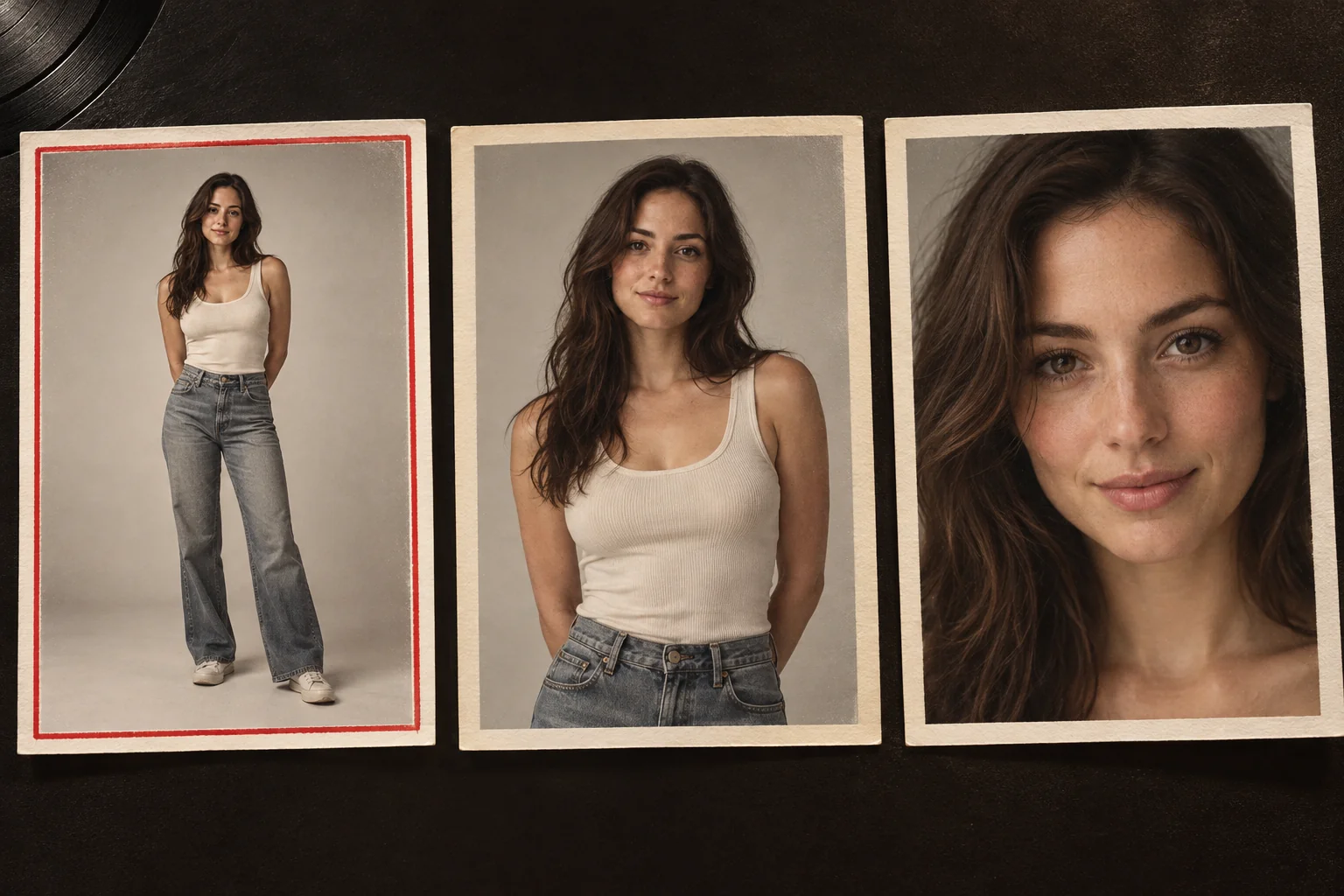
The best photo shows one person facing the camera in soft, even light, from head to toe, with nothing over the face and nothing in the hands. On MigosAI (migosai.si), every photo used on Wan 3.0 with the booth moves is first redrawn as a standing, full-length studio portrait of the same person, and only then turned into video. Anything your photo leaves out (legs, shoes, a hidden arm) has to be invented, so the more of the real person the photo shows, the less is guessed.
This page covers the rules the uploader checks, a ranked list of what matters most, how to handle the photos people actually have (selfies, group shots, old prints, pets), and what no photo can promise. It shows no sample renders; it describes what the generator does with a photo, and results vary from one video to the next.
Updated
What the uploader accepts
| Rule | Limit | If you hit it |
|---|---|---|
| File type | JPG, PNG, WebP or iPhone HEIC | Nothing to do: your browser converts the photo to JPG before upload. |
| Pixel size | At least 300 pixels on every side | Use the original, not a screenshot or a copy saved from a chat app. |
| File size | Up to 25 MB | Share or export a smaller copy. |
| Shape | Not extremely wide or tall | Crop panoramas and long strips closer to the person. |
| On upload | Scaled down to at most 2,048 pixels on the long side, location data removed | Nothing to do. A sharp photo matters more than a huge one. |
Photos picked?
Put them in the booth
One person per photo: the left raps, the right hypes. The button shows the credits before anything is charged.
Who’s on the record
Stage
Video & sound
This video costs 6 credits and takes about 5 to 15 minutes. If it fails, your credits come back. See prices
What matters most, in order
- One person per photo. A second face gives the model a choice it can get wrong. Crop out friends, partners and photobombers.
- A clear, front-facing face. Daylight from a window beats a harsh flash or a bright sky behind the head. Keep the eyes visible: no sunglasses, mask or low cap brim.
- As much of the body as you have. Head to toe is ideal and waist up is fine; a tight face crop leaves the body and the outfit to the redraw.
- A calm expression. The redraw asks for a closed mouth or a soft smile, so a wide-open mouth or a tongue out is a poor starting point.
- Empty hands. The redraw keeps only the person, so phones, cups and bouquets vanish and the hands holding them get redrawn.
- Standing, if you can. Sitting photos are accepted, but the redraw stands everyone up and has to guess the legs.
What the redraw does to your photo
Before a Wan 3.0 render with the Hotel Lobby booth moves, each photo becomes a full-length studio portrait of the same subject: face, age, skin or fur, hair and body shape kept; standing relaxed with arms down, looking at the camera, on a plain light-gray background. Clothes you can see are kept. Parts the photo does not show (often trousers and shoes) are filled in with plain items that suit the top. Glasses, hats and jewelry that are not in the photo are never added. Pets are drawn upright on their hind legs.
- You never see the portrait: the page and My videos show your own photo. It is deleted with your other uploads 7 days after the render.
- If a portrait cannot be made, or takes longer than 5 minutes, your original photo goes to the video model instead.
- The redraw is skipped when you use Your clip and on every Seedance model. Those renders take your photo as it is, which makes a full-length photo even more useful there.
Photos you actually have, and how to use them
| You have | Do this |
|---|---|
| Only selfies | Choose one taken at arm’s length with the shoulders in frame and the face straight on. Expect part of the outfit to be invented. |
| A group photo | Crop it to one person per photo, leaving a little room around the head. |
| One photo of the two of you | Switch to One photo. Side by side with clear faces works best; the person on the left of the picture raps. Very wide shots are refused, so crop to just the two of you. |
| An old print of a grandparent | Photograph it flat in daylight, without glare, and crop to one person. A faded or tiny print gives the model less to keep. |
| A pet photo | A sharp, eye-level shot with the whole animal in frame. Each portrait is framed head to toe on its own, so a small dog and an adult may come out the same height. |
| A baby or a child | Only with a parent’s or guardian’s consent. The redraw is told to keep a baby’s age and proportions, but results vary. |
| A cartoon or drawn character | Allowed if you have the right to use it. Expect more variation than with photos. |
Two separate photos give the most control: each person gets a slot, and the photos can come from different days and places. One photo is the fallback when that is all you have; on Wan 3.0 it is split into a left and a right portrait. More on that route: one photo of both of you.
What a better photo cannot fix
- Likeness is never guaranteed. Faces can drift during fast turns, and two renders from the same photos differ.
- The moves, the camera and the timing come from the routine, not from your photo.
- A higher quality setting makes the video sharper; nothing shows it makes a face closer to the photo. See 480p, 720p or 1080p.
- A new try costs credits again (6 for a standard 12-second video; one-time packs from 10 credits for $9.99, no subscription). Only a render that fails returns its credits.
Use photos you are allowed to use
Make videos of yourself and of people who said yes. Skip celebrities, politicians and strangers. On TikTok, label realistic AI videos, and note that TikTok does not allow AI content showing the likeness of anyone under 18, or of private adults without their permission (TikTok Support). Every photo also goes through a content check, and one that fails is turned away before anything is charged.
Questions
Is a selfie good enough for Hotel Lobby AI?
Yes, if the face is sharp and straight on. The body and clothes outside the frame will be invented, so a waist-up or full-length photo keeps more of the real person.
Do the two photos need matching backgrounds or lighting?
No. Backgrounds are ignored and replaced by the stage. Even light on each face helps more than matching the two photos.
Why does my outfit look different in the video?
The redraw keeps the clothes your photo shows and fills in what it cannot see with plain items that match. Things you hold are dropped, and accessories that are not in the photo are never added.
Do iPhone HEIC photos work?
Yes. Your browser converts HEIC to JPG before upload and removes the location data.
What does “That photo is too small” mean?
Each side must be at least 300 pixels. Use the original from your camera roll; screenshots and photos saved from chat apps are often shrunk.
Can I use a photo of a celebrity?
No. Use photos of yourself and of people who agreed to be in the video.
Will a better photo make the face match perfectly?
It helps, but no photo guarantees likeness. AI video varies from render to render.
Sources
Read next
Hotel Lobby AI Prompt: The Exact Text Our Generator Sends
The Hotel Lobby AI prompts MigosAI really sends (Wan 3.0 keeping the track, Seedance writing a new rap), why each paragraph is there, and five two-photo prompts for other tools
How to Make Your Dog Rap: Photo to Video Guide
A dog rap video step by step: photos that work, the standing-portrait step, sound choices, cost, quirks to expect, and cats
How to Do the Hotel Lobby Trend (Migos AI), Step by Step
Step by step, three ways to do the Hotel Lobby (Migos AI) trend: two photos on MigosAI, another AI app, or editing by hand, with costs, wait times, pros and cons
MigosAI is an independent tool, not affiliated with Migos, Quavo, Takeoff, Offset, Quality Control Music, Motown or COLORS.