How to Make Your Dog Rap: Photo to Video Guide
To make your dog rap, open the pet rap video generator on MigosAI (migosai.si), put your dog’s photo in the left slot (Your pet · raps), add its duo in the right slot (you, a friend or another pet) and press Create video. On Wan 3.0, both appear in the orange Hotel Lobby booth with your dog upright at the hanging mic. A 12-second video at 480p costs 6 credits and usually takes about 5 to 15 minutes.
This guide covers the photo, what the generator does with it, which sound to choose and the quirks to expect with animals. It describes how the tool works, not a gallery of results.
Updated
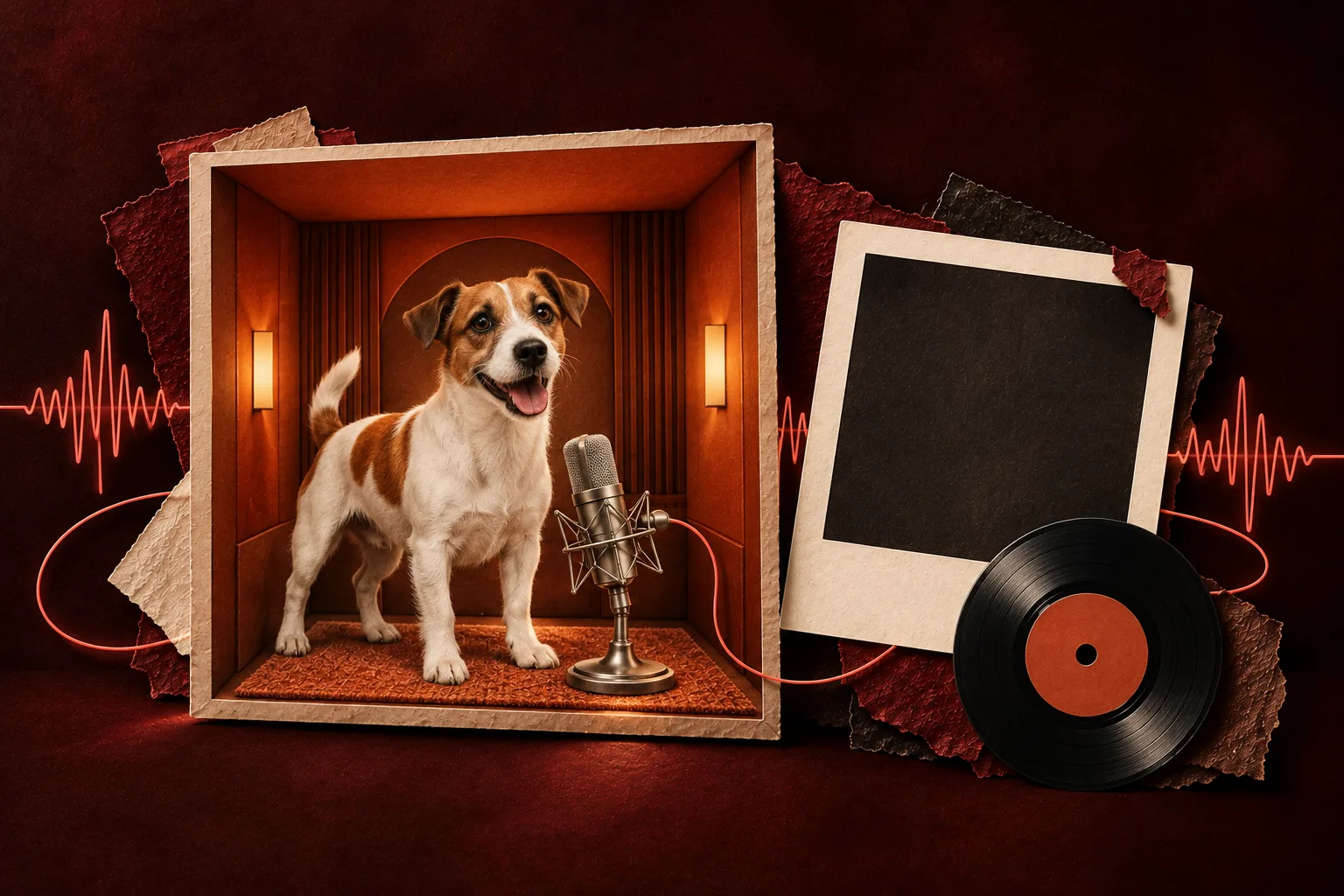
Choose a photo your dog can be redrawn from
- One animal per photo. Crop out other pets, people and the hand holding the treat.
- Face toward the camera, eyes visible, daylight or a bright room. A profile or a dark photo leaves the AI less to copy.
- The whole body if you have it: paws, tail and fur pattern. A head-only close-up leaves the rest to guesswork.
- Shoot at your dog’s eye level, not from above. Get down on the floor.
- Collars, bandanas and sweaters that show in the photo are kept; nothing new is added.
- JPG, PNG or WebP all work. A phone photo is fine.
Your dog, on the mic
Start your dog rap video
Already labeled for pets: drop your dog into Your pet, add a partner beside it, and check the price on the Create video button.
Who’s on the record
Stage
Video & sound
This video costs 6 credits and takes about 5 to 15 minutes. If it fails, your credits come back. See prices
Step by step on MigosAI
- Open the pet rap video page, or use the generator on this page: both are labeled for a pet and its duo.
- Left slot (Your pet · raps): the dog that performs. Right slot (A pet or you · hypes): the partner who dances and reacts. Flip them if you want to rap while your dog hypes.
- Only have a photo of you and the dog together? Switch to One photo. Whoever is on the left of the picture raps.
- Keep the Hotel Lobby stage and Wan 3.0. In Video settings, choose the length (5, 8, 10, 12 or 15 seconds), the quality and the format; 9:16 suits TikTok and Reels.
- Choose the sound under Video & sound (see the table below).
- Press Create video. The first time, sign in with Google. The button shows the credits before anything is charged.
- Close the tab if you like: the video waits in My videos. Then press Download MP4. There is no watermark.
Why your dog stands up in the booth
With Wan 3.0 and the Hotel Lobby moves, each photo is first redrawn as a standing, full-body studio portrait of the same animal or person on a plain background. Animals are drawn upright on their hind legs with the front paws raised, mouth closed or relaxed. That gives the video model a whole body to animate instead of a dog curled on a couch, and it keeps the breed, face, fur color and markings.
You never see this portrait: the page keeps showing your own photo. If the redraw fails or takes longer than 5 minutes, your original photo is used instead. On Seedance models there is no redraw, so the dog is animated from your photo as it is.
Pick the sound
| Sound | What you hear | Model | Pick it when |
|---|---|---|---|
| Hotel Lobby track | The original rap from the trend, mouthed by your dog | Wan 3.0 | You want the classic Migos AI look |
| Your song | A 2 to 15 second part of an MP3 or WAV: a song, your own voice or a recorded bark | Wan 3.0 | You have a joke of your own or your dog’s real bark |
| AI rap | A new rap and beat from your topic, such as “Pepper guards the treat drawer like a bank vault” | Seedance | You want lyrics about your dog; Both rap lets the duo answer |
A dog’s mouth is not built for words, so expect a jaw that moves on the beat rather than crisp lip-sync. The left slot does the mouth work; the right slot mostly dances.
What can look odd, and what to try
| What you might see | Why | What to try |
|---|---|---|
| Front paws gesture like hands | The booth routine has hand moves, and the model follows them | Keep it as part of the joke, or render again |
| The dog is as tall as its human | Each portrait is a full-length standing shot, so sizes are not kept to scale | Nothing; it is part of the look |
| Fur pattern or face drifts | A small, dark or side-on photo | A sharp, front-facing daylight photo |
| A second animal or a hand shows up | More than one subject in the photo | Crop to one animal |
| Odd legs or tail during the turn | A four-legged body doing human moves can change shape | A shorter length, or another render |
A render that fails returns its credits automatically. A finished video you do not like is not refunded, and every new try is charged again.
Cats, other pets and two pets
- Cats go through the same steps, but expect less predictable results: faces and poses vary more. Treat the first video as a try.
- Two pets work: a dog in each slot, or a dog and a cat. Each photo still needs one animal.
- Rabbits, birds and other small pets are allowed; results vary.
- Your dog and a cartoon character, or your dog and grandma, are fine too.
Questions
Can I make a dog rap video for free?
No. Every video costs credits: 6 for a 12-second video at 480p. The cheapest one-time pack is 10 credits for $9.99, with no subscription, and a failed render returns its credits.
Why is my dog standing on two legs?
Before a Wan 3.0 render in the booth, each photo is redrawn as a standing, full-body portrait so the video model can copy the booth moves. Animals come out upright on their hind legs.
Can my dog rap with me?
Yes. Put your dog in one slot and yourself in the other. The left slot raps and the right slot hypes; swap them to swap roles.
Can I use my dog’s real bark?
Yes. Record it, save it as an MP3 or WAV and upload it as Your song on Wan 3.0. Pick a 2 to 15 second part with the orange frame.
Does it work with cats?
Yes, through the same steps. Cats tend to give less predictable faces and poses, so plan on the first video being a try.
How long does it take, and can I do it on my phone?
Usually about 5 to 15 minutes on Wan 3.0. Yes, MigosAI (migosai.si) runs in your phone browser, and the finished video waits in My videos.
Read next
Best Photos for Hotel Lobby AI: What to Upload
A photo guide for the booth: the upload rules, what helps a face carry through, how the full-body redraw treats your picture, and fixes for awkward photos
How to Make an AI Rap Video From Photos (2026 Guide)
A photo-to-video walkthrough in the order of the generator: photos, sound, settings, create, prices, limits and posting
Hotel Lobby Trend Ideas: 27 Duos, Topics and Holiday Picks
Twenty-seven duo ideas for the Hotel Lobby trend, grouped by who is at the mic, each with a paste-ready topic line and a tip, plus Halloween and Thanksgiving picks and the settings to use
MigosAI is an independent tool, not affiliated with Migos, Quavo, Takeoff, Offset, Quality Control Music, Motown or COLORS.