How to Make an AI Rap Video From Photos (2026 Guide)
To make an AI rap video on MigosAI (migosai.si), add two photos (or One photo of you both), choose what they rap to, check Video settings and press Create video. The button shows the credits first: a 12-second Wan 3.0 video at 480p is 6 credits, and a 12-second rap written from your own topic is 10. It runs in a phone or desktop browser, with nothing to install.
This guide follows the generator from top to bottom, then covers prices, what it cannot do yet and how to post the result.
Updated
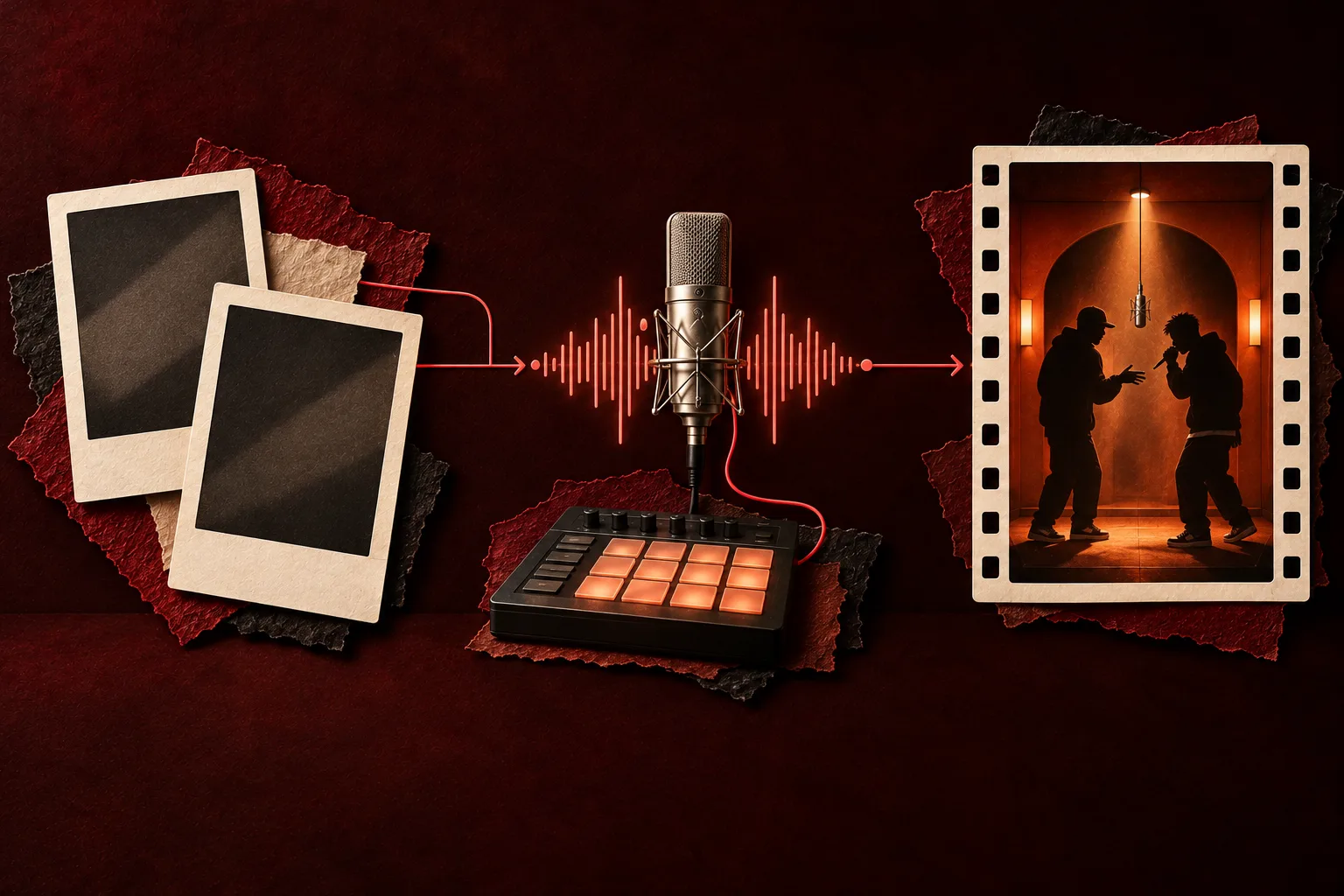
Step 1: Add the photos and decide who leads
- Open the AI rap generator and stay on the Rap video tab.
- Two photos: one person in each. The left slot is the lead who raps into the hanging mic; the right slot is the hype partner. Swap the photos to swap the roles.
- One photo: switch to One photo when you only have a picture of you both. It is split down the middle, so whoever stands on the left leads.
- Faces toward the camera, even light, no sunglasses, waist up or full body. The two photos do not need to match. More in best photos for Hotel Lobby AI.
- Pets, grandparents, cartoon characters and babies (with a parent’s or guardian’s consent) are allowed; results vary more than with adult faces.
- Use only photos of people who agreed. Leave out celebrities and politicians.
Step 2: Choose the sound, then open Video settings
Under Video & sound, the sound you pick also picks the model. There are three routes:
| Route | Model | What the lead raps | Good for |
|---|---|---|---|
| AI rap | Seedance (Seedance 2.0 Mini, 2.0 Fast, 2.0 and 2.5) | A new verse and beat written from your topic (up to 120 characters, any language) | Birthdays, roasts, inside jokes; Both rap gives two voices |
| Your song | Wan 3.0 | A 2 to 15 second part of an MP3 or WAV you upload | Your own track or a voice note you have the rights to |
| Hotel Lobby track | Wan 3.0 | The original recording behind the trend | The classic Migos AI look |
Then open Video settings. Quality is 480p, 720p or 1080p on Wan 3.0; length is 5, 8, 10, 12 or 15 seconds in the Hotel Lobby booth; format is 16:9, 9:16, 1:1, 4:3 or 3:4 (Seedance adds 21:9). Every choice shows its price, and format never changes it, so pick 9:16 for TikTok, Reels and Shorts.
Moves: keep the Hotel Lobby moves, or choose Your clip and upload a 2 to 15 second dance video for the pair to copy. The stages beyond the orange booth (Hotel Lobby (orange), Luxury Lobby, Studio Booth and Street Cypher) need a Seedance model, and only Seedance 2.5 goes to 20 or 30 seconds, without the booth clip.
Step 3: Create, wait and download
- Press Create video. The first time, sign in with Google; your photos stay where they are.
- Credits are taken when the render starts. If it fails, they come back on their own.
- Wait about 5 to 15 minutes on Wan 3.0, or up to about 5 minutes on Seedance. You can close the tab: the video waits in My videos.
- Press Download MP4. There is no watermark.
- Photos, songs and clips are deleted 7 days after the render. Finished videos stay until you delete them.
Topics that make a good AI rap
A 12-second rap is short, so one person, one detail and one joke beat a list of five ideas. Some topics to copy:
- “Grandpa Lou learned to text and now sends forty thumbs-ups a day”
- “Ava’s first week as a night-shift nurse and her 4 a.m. alarm”
- “Happy 60th to Aunt Dee, the loudest laugh in Ohio”
- With Both rap: “who does the dishes tonight: Marco says Kim, Kim says Marco”
More ideas: funny rap lyrics, rap battle roasts and an AI rap in your own language.
What an AI rap video costs
| Setup | Credits |
|---|---|
| Wan 3.0 480p, 5, 8, 10, 12 or 15 seconds | 3, 4, 5, 6 or 7 |
| Wan 3.0 720p, same lengths | 4, 6, 8, 10 or 12 |
| Wan 3.0 1080p, same lengths | 8, 12, 16, 20 or 24 |
| AI rap, 12 seconds, Seedance 2.0 Mini 720p, any stage | 10 |
| Any Seedance model, 12 seconds | from 5 credits (Seedance 2.0 Mini, 480p) to 90 (Seedance 2.5, 1080p) |
Credits come in one-time packs that never expire, starting at 10 credits for $9.99. A subscription is optional (the cheapest is Basic, 100 credits a month for $29.90). There is no free video and no free preview. Details on pricing.
What it cannot do, and the workaround
| Limit | Workaround |
|---|---|
| It does not rap lyrics you paste | Turn the lyrics into a topic, or record them and use Your song |
| Seedance cannot play the Hotel Lobby track or your upload | Switch to Wan 3.0 for any existing audio |
| With your own song, only the left person lip-syncs | Make two videos with the sides swapped, or use AI rap with Both rap |
| No lyrics file comes with the video | Add captions yourself: captions for an AI rap video |
| The booth stops at 15 seconds | Seedance 2.5 renders 20 or 30 seconds on the other stages, or join clips in an editor |
| A face looks off | A sharper, front-facing photo, a higher quality, or a new render (charged again) |
Before you post
- Set the format before you create. Turning a 16:9 video into 9:16 later means cropping someone out.
- Ask everyone in the video before you post it, and follow each app’s rules for labeling AI content.
- MigosAI is an independent tool. It is not affiliated with Migos, Quavo, Takeoff, Quality Control Music or COLORS.
Questions
How long does it take to make an AI rap video?
Usually about 5 to 15 minutes on Wan 3.0 and up to about 5 minutes on Seedance. Setting it up takes a couple of minutes.
How much does an AI rap video cost on MigosAI (migosai.si)?
6 credits for a 12-second Wan 3.0 video at 480p, or 10 credits for a 12-second AI rap on Seedance 2.0 Mini at 720p. The smallest pack is 10 credits for $9.99.
Do I need a subscription?
No. One-time credit packs work, and their credits never expire. Subscriptions are optional.
Can I do it on my phone?
Yes. It runs in mobile Safari and Chrome; there is no app to install. The MP4 saves to your phone.
Does the video have a watermark?
No. You pay in credits before the render, and the downloaded MP4 is clean.
Can I make a rap video with just one person?
The rap video is built for two performers. If you only have yourself, add a friend, a parent or your pet as the hype partner, or use one photo that shows both of you.
Read next
20 Funny Rap Lyrics (Clean, Original, Free to Use)
Twenty original two-line funny rap bars and ten caption lines, all clean, plus the tricks behind them and how to make one into a video
How to Make an AI Rap Battle Video of You and a Friend
A rap battle from two photos: matchups that work, Both rap on a Seedance model, a two-round format with Hand the mic, and exact bars with your own recording
Best Photos for Hotel Lobby AI: What to Upload
A photo guide for the booth: the upload rules, what helps a face carry through, how the full-body redraw treats your picture, and fixes for awkward photos
AI Rap Video in Spanish, French or Your Own Language
Three ways to get a rap in your language: an AI rap from a topic written in it, your own recording, or the original track with translated captions
MigosAI is an independent tool, not affiliated with Migos, Quavo, Takeoff, Offset, Quality Control Music, Motown or COLORS.