Turn a Voice Memo Into a Hotel Lobby AI Video
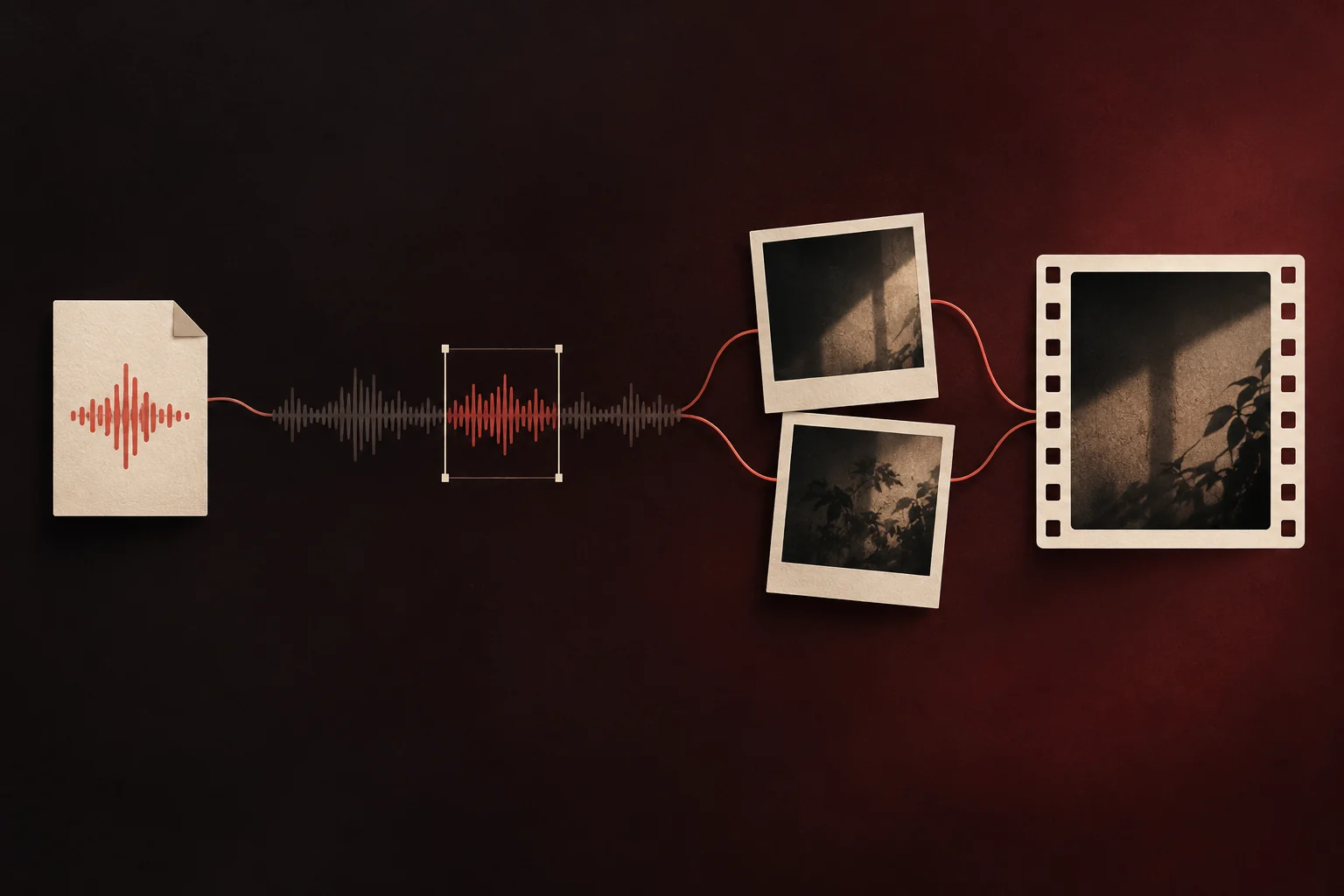
Record it on your phone, then upload the file as Your song. On MigosAI (migosai.si), the person in the left photo mouths your recording into the hanging mic as the partner on the right hypes, and your audio becomes the video’s soundtrack. The upload box takes MP3, WAV or M4A (the format iPhone Voice Memos saves), uses 2 to 15 seconds of it, and the price stays the same as with the original track: 6 credits for 12 seconds on Wan 3.0 at 480p.
The site cannot record from your microphone, so the memo always comes from another app. Below: how to record something that lip-syncs well, how to get the file off an iPhone or Android phone, how the trimming frame works, and what the finished video can and cannot do with your voice.
Updated
Record something worth lip-syncing
- Only 15 seconds go into the video, so record a little more than you need and pick the best stretch later.
- Start talking within a second or two. You can drag past a slow start, but a pause in the middle shows up as a closed mouth.
- Find a quiet room and hold the phone close. Background noise is not cleaned up for you.
- Speak or rap clearly, a touch slower than usual. Crisp consonants give the lips something to follow.
- Want a beat under your voice? Mix it in an audio editor first, or play it quietly from a second speaker while you record. Music louder than your voice makes the lip-sync harder.
- As a rough guide, 12 seconds fits about four short rap lines or two spoken sentences.
What people record
- A wedding or anniversary toast that ends on the couple’s names.
- A hype intro announcing a friend like a headliner.
- Birthday wishes using the nickname only you call them.
- A verse you wrote, over a beat you are allowed to use.
Your voice, in the booth
Upload your recording here
Your song is preselected. Add the two photos, pick your audio file, then slide the orange frame over the best seconds.
Who’s on the record
Stage
Video & sound
This video costs 6 credits and takes about 5 to 15 minutes. If it fails, your credits come back. See prices
Get the recording off your phone as a file
iPhone (Voice Memos)
- In Voice Memos, tap the recording, tap More (the three dots), then Share.
- Scroll down, tap Save to Files, choose a folder and tap Save. By default the memo is saved as an M4A file (Apple Support).
- In the generator, tap Change on the sound row, pick Your song, then Choose file. Safari opens a Files picker, so browse to the folder you just used.
Android
Recorder apps differ by phone maker. Look for Share, Save or Export in your recorder, keep the recording as an audio file on the phone, then pick it with Choose file. If the app asks for a format, M4A, MP3 and WAV all work.
On a computer
Any MP3, WAV or M4A file works. If the memo is on your phone, AirDrop or email it to yourself first.
Frame the seconds you want
- Pick the video length first, under Length in Video settings: 5, 8, 10, 12 or 15 seconds in the Hotel Lobby booth. The orange frame over your waveform is exactly that long.
- Drag the frame to the stretch you want. The line above it shows the window, for example “Using 0:03.0 – 0:15.0 of 0:21.4”.
- Tap Play the part you picked and listen once.
- If the recording is shorter than the video, the page warns that the last seconds have no vocals. Choose a shorter length so the mouth never sits idle.
- Put the person who should say it in the left slot, then tap Create video.
Your browser cuts the window and uploads only that part, converted to WAV when it had to be cut or converted. If a browser cannot trim the file, the page says so; upload an MP3 or WAV of 15 seconds or less instead.
What the finished video does with your voice
- Your recording is the soundtrack. Wan 3.0 is told to keep it as it is, with no new lyrics and no added voices or music, and to move the left person’s mouth to it. Your voice is not cloned or changed.
- The right person reacts and dances. One recording drives one mouth.
- The moves are the Hotel Lobby booth routine, unless you also upload Your clip.
- Clear speech lip-syncs best. Mumbling, whispering or a loud beat gives the model less to follow.
- It usually takes about 5 to 15 minutes. A render that fails returns its credits; a finished one is paid, so a retake costs credits again.
Give the other person a turn
For a second voice, make a second video: swap the photos between the slots, load the other person’s memo as Your song, create, then join the two clips in any video editor. The Hand the mic to the other one button under a finished video swaps the sides for the same credits, but it keeps the same sound, so the other person lip-syncs your memo. More ways to split one song between two people: two people, one song.
Limits worth knowing
- Your song plays on Wan 3.0 only. Seedance models write their own vocals and cannot use an upload.
- No recording in the browser, no noise removal, no pitch or speed change.
- Use your own voice, or a recording you have the right to use. Do not upload someone else’s voice without their permission.
- Uploaded audio is deleted 7 days after the render. The finished video stays in My videos until you delete it.
Questions
Which voice memo formats can I upload?
MP3, WAV and M4A, which is what iPhone Voice Memos saves. AAC and OGG files may open too, depending on your browser. The part you pick is converted before upload.
Can I record my voice on the site?
No. Record with Voice Memos or your phone’s recorder app, save the recording as a file, then upload it under Your song.
How long can the voice memo be?
The file can be long (up to 200 MB) but must have at least 2 seconds of audio. The video uses 2 to 15 seconds of it, matching the length you pick.
Will it sound like me?
Yes, because it is you. Your recording plays as the soundtrack and the model moves the left person’s mouth to it without changing your voice.
Does my own audio cost extra?
No. Your memo, your song and the original track all cost the same: 6 credits for a 12-second 480p video on Wan 3.0. Credits come in one-time packs from 10 credits for $9.99, no subscription, and the MP4 has no watermark.
Can the AI rap models use my voice memo?
No. Seedance models generate a new rap and cannot keep an uploaded recording. Your song works on Wan 3.0.
Can I add my own dance moves as well?
Yes. Pick Your clip under Moves and Your song under Sound: the clip sets the moves and the memo sets the words.
Sources
Read next
Two People Lip-Syncing Your Own Song: What Works
Why an uploaded song gives one singer per video, and three ways around it: two swapped videos, an AI rap with Both rap, or one part sung twice
How to Make a Personalized Birthday Rap Video With AI
Three ways to turn two photos into a birthday rap: an AI-written verse, your own recorded wishes, or the original Hotel Lobby duet, plus topics to copy
Hotel Lobby AI on Your Phone: Make It and Save It
A phone-only walkthrough: camera-roll photos in, MP4 out, and the exact taps that move the video into Photos on iPhone or the gallery on Android
MigosAI is an independent tool, not affiliated with Migos, Quavo, Takeoff, Offset, Quality Control Music, Motown or COLORS.