Two People Lip-Syncing Your Own Song: What Works
Not in one video. On MigosAI (migosai.si), a song you upload is handled as a single voice track: the person in the left photo lip-syncs it, and the person on the right hypes, nods and dances. To put both of you on the song, make two short videos with the sides swapped and join them, or switch to an AI rap with Both rap, where two generated voices trade lines.
Each video is paid on its own. Two 12-second videos at 480p cost 12 credits in total; two 10-second videos cost 10, which is exactly the smallest pack (10 credits for $9.99).
Updated
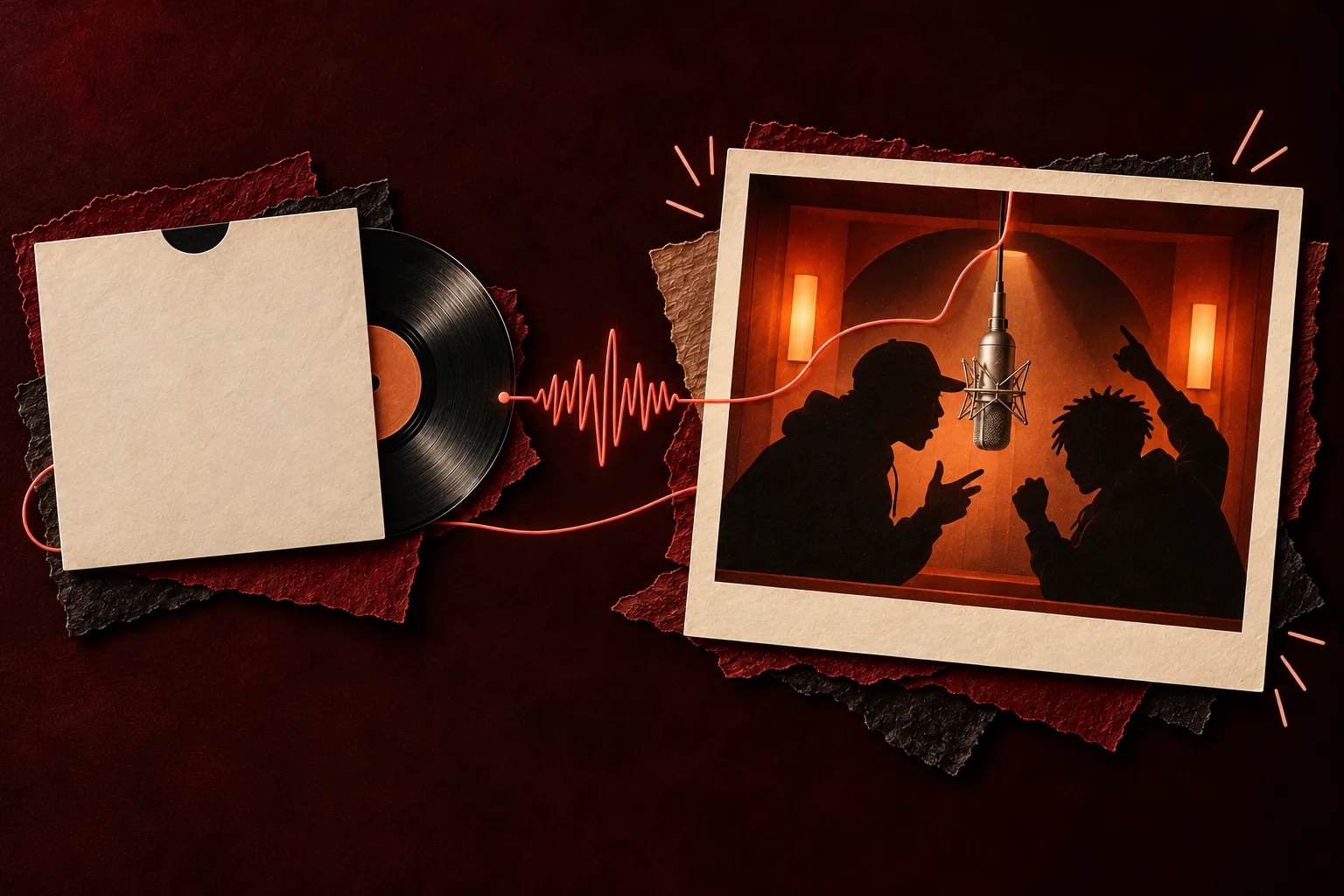
What each sound does with two people
| Sound | Left person | Right person | Model | Both voices? |
|---|---|---|---|---|
| Your song (a track or a voice note) | Lip-syncs the part you picked | Hypes | Wan 3.0 | No |
| Hotel Lobby track | Raps the original verse | Hypes | Wan 3.0 | No |
| AI rap, Both rap off | Raps a new verse | Hypes | Seedance | No |
| AI rap with Both rap | Raps | Raps back, trading lines | Seedance | Yes, with AI-written words |
One photo of you both follows the same rule: whoever stands on the left of the picture is the one who sings.
Part one first
Make the first singer’s video
Your song is already picked. Add both photos with the first singer on the left, upload the track and drag the orange frame to their part. The button shows the credits.
Who’s on the record
Stage
Video & sound
This video costs 6 credits and takes about 5 to 15 minutes. If it fails, your credits come back. See prices
Why your upload gets one singer
The booth copies the original Hotel Lobby performance: one hanging microphone, a lead who raps and a partner who hypes. Your file goes to the lead as one track. The generator does not split voices between faces, so if your song is a duet, the left person mouths every voice in the part you chose, including the second singer’s lines.
Way 1: two videos, one part each
- Choose two parts of the song, one per person. Each part is as long as the video you pick: 5, 8, 10, 12 or 15 seconds in the booth.
- Use two photos, not One photo. Put the first singer on the left and the other person on the right.
- Open Video & sound, choose Your song and upload the MP3 or WAV. Drag the orange frame to the first part and press Create video.
- Once the first video finishes, move the orange frame onto the second part. Below the finished video, tap “Hand the mic to the other one”: the two photos switch places and a new render begins at once, using the part you just chose.
- Download both MP4s and put them back to back in CapCut, iMovie or any editor.
The swap button shows its credit price before you tap it, and it only appears when you used two separate photos. With One photo, flip or re-crop the picture and create again.
Way 2: an AI rap where both of you rap
If the words matter less than hearing two voices, switch to a Seedance model, choose AI rap, type a topic and leave Both rap (trade bars) ticked. The AI writes the lyrics and both voices, and you take turns in one video. The catch: Seedance cannot use your upload, so your own recording is gone. Cost: 10 credits for a 12-second AI rap on Seedance 2.0 Mini at 720p. More on the AI rap duo page.
Way 3: the same part, sung by each of you
For a side-by-side post, or a “who did it better” poll, leave the orange frame where it is after the first video and tap “Hand the mic to the other one”. You get two takes of the same line, one with each of you in front.
Tips for a smooth join
- Each video starts the routine from the top, so the cut shows. Cut on a beat or a drum hit to hide it.
- Keep the same format, quality and length for both parts so they line up.
- Pick parts where the voice is clear and up front; quiet or crowded parts are harder to lip-sync.
- Faces and moves change a little from render to render. A redo is charged again; only failed renders return credits.
- Upload only songs you have the right to use, and photos of people who agreed.
Questions
Can both people lip-sync my song in one video?
No. An uploaded track is lip-synced by the left performer alone, while the partner dances. Two videos with the sides swapped give each of you a part.
I uploaded a duet. Will each person sing their own voice?
No. The left person mouths every voice in the part you picked. Split the duet into two parts and make one video per singer.
Is there any way for both of us to rap in one video?
Yes, with an AI rap: on a Seedance model, choose AI rap and leave Both rap ticked (it is on by default). The words and voices are AI-made, not your recording.
How long can each part be?
As long as the video: 5, 8, 10, 12 or 15 seconds in the booth. The uploaded song can be any length; the orange frame picks the part.
What do two parts cost, and do I need a subscription?
No subscription. Two 12-second parts at 480p are 12 credits; two 10-second parts are 10, the size of the smallest pack (10 credits for $9.99).
Can I do this on my phone?
Yes. Upload the song from your phone’s files in the browser, make both videos on MigosAI (migosai.si), and join them in a phone editor such as CapCut or iMovie.
Read next
How to Make an AI Rap Video From Photos (2026 Guide)
A photo-to-video walkthrough in the order of the generator: photos, sound, settings, create, prices, limits and posting
Turn a Voice Memo Into a Hotel Lobby AI Video
From your phone’s recorder to the orange booth: record, save the file, upload it as Your song, frame the best seconds and create
How to Make an AI Rap Battle Video of You and a Friend
A rap battle from two photos: matchups that work, Both rap on a Seedance model, a two-round format with Hand the mic, and exact bars with your own recording
MigosAI is an independent tool, not affiliated with Migos, Quavo, Takeoff, Offset, Quality Control Music, Motown or COLORS.