Hotel Lobby AI With Your Own Moves: Reference Clip Guide
Yes, you can swap the booth routine for moves you filmed. On MigosAI (migosai.si), open Soundtrack & moves, choose Your clip under Moves and add your video. The pair from your photos then copies its moves, gestures, head turns and camera motion, while the stage replaces your clip’s background and the people in it. 2 to 15 seconds of the clip are used, the video lasts as long as that part (4 to 15 seconds), and the price follows the length: 5 credits for 10 seconds on Wan 3.0 at 480p.
Good uses: your own spin on the Hotel Lobby routine, a dance the two of you know, a short skit, a secret handshake. This page explains how to film a clip the model can follow, the upload and sound steps, the prices, and the limits to know before you pay. It shows no sample renders, only what the generator asks the model to do.
Updated
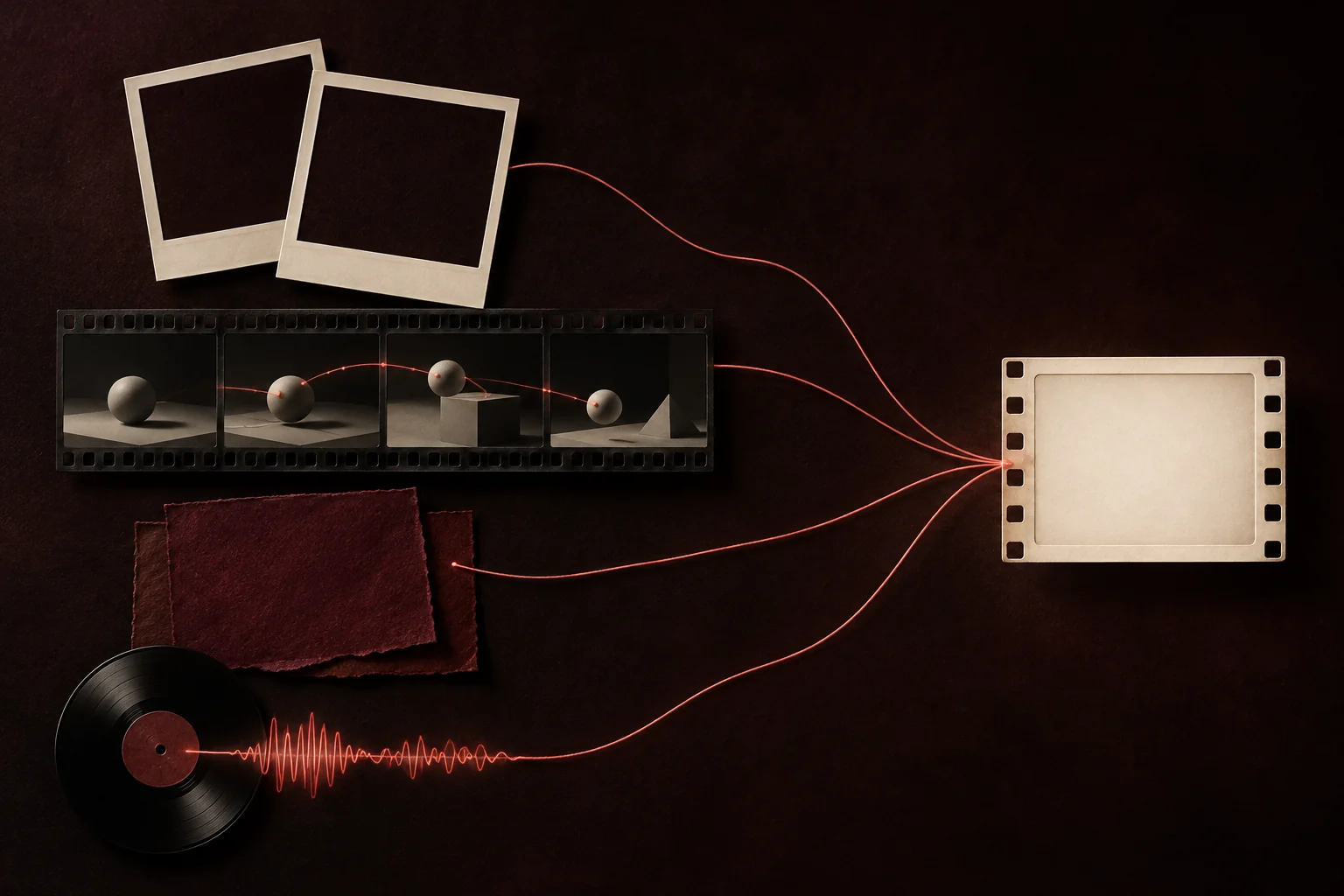
Who controls what
| Input | Sets | Does not set |
|---|---|---|
| Your two photos | Who appears: faces, hair, body, clothes | Any of the movement |
| Your clip | Moves, gestures, head turns, timing and camera motion | Who appears or the background: both are replaced |
| The stage | The set around them | The moves |
| The sound | What the left person lip-syncs on Wan 3.0, or a new AI rap on a Seedance model | The moves |
Your moves, their faces
Upload your clip here
Your clip is already picked under Moves: add both photos, choose the video and drag the orange frame. The length buttons show the credits.
Who’s on the record
Stage
Video & sound
This video costs 6 credits and takes about 5 to 15 minutes. If it fails, your credits come back. See prices
Film a clip the model can follow
- Two people side by side, whole bodies in frame, facing the camera. The person on the left of your clip guides the left photo; the other guides the right.
- A camera that stays put. Lean the phone on a shelf or use a tripod: camera motion and cuts are copied too.
- Normal speed. Slow-motion clips do not work.
- A best part of 2 to 15 seconds. The file can be longer; you choose the window.
- Big, clear moves. Small finger work is easy to lose.
- People who agreed to it, ideally the same two as in your photos. Do not use clips of celebrities or other creators’ videos: you need the right to use them, and AI models can carry features of the people in a clip into the result.
MP4 or MOV straight from a phone camera works, up to 200 MB. Your browser re-encodes the codec, frame rate and size when needed, but it cannot rescue a clip that is very small, extremely wide or extremely tall.
Upload it and choose the sound
- Add your two photos. Full-length photos help most here: with Your clip, the photos go to the model as they are, without the portrait redraw.
- Tap Change on the sound row to open Soundtrack & moves, choose Your clip under Moves and tap Choose file.
- Longer clip? Slide the orange frame over the stretch to use. The length buttons offer only what your clip can fill, each with its credits.
- Pick the sound. Your clip’s own audio is the starting choice when it has any, with the Hotel Lobby track and Your song as alternatives. Silent clips fall back to the Hotel Lobby track, and Seedance models replace the sound with a new AI rap.
- Check the format. Your clip sets it to Match clip, the shape closest to your video; change it in Video settings if you need 9:16.
- Tap Create video.
Price and wait
| Part of your clip used | Wan 3.0 480p | Wan 3.0 720p | Wan 3.0 1080p |
|---|---|---|---|
| Up to 5 seconds | 3 credits | 4 credits | 8 credits |
| 6 to 8 seconds | 4 credits | 6 credits | 12 credits |
| 9 to 10 seconds | 5 credits | 8 credits | 16 credits |
| 11 to 12 seconds | 6 credits | 10 credits | 20 credits |
| 13 to 15 seconds | 7 credits | 12 credits | 24 credits |
A part between two lengths pays the next one up, so trimming a 9-second take to 8 seconds saves a credit at 480p. The sound and the stage never change the price. Credits come in one-time packs from 10 credits for $9.99, with no subscription and no free render, and the download has no watermark. Wan 3.0 videos usually take about 5 to 15 minutes; Seedance takes up to about 5 minutes.
Limits before you pay
- How closely the result follows your clip varies. The model is asked to copy the moves and the camera; fine detail may not survive.
- Cuts and zooms in your clip come through. Film one continuous take.
- With only one person in your clip, the right-hand performer has nobody to copy, and the result is harder to predict.
- Your clip’s background never shows; the stage replaces it.
- Each try is a new render that costs credits. A render that fails returns them.
- Your clip is deleted 7 days after the render, like your photos.
Built-in routine or your own clip?
| Keep the built-in routine if | Upload your own clip if |
|---|---|
| You want the exact Hotel Lobby look the trend is known for | You want another dance, a skit or your own version of it |
| You only have face photos (the redraw fills in the bodies) | You have full-length photos of both people |
| You want the original track timed to the moves | Your clip has its own sound, or you are bringing a song |
Questions
Can I make the two people do my own dance?
Yes. Upload 2 to 15 seconds of video as Your clip, and the people from your photos copy its moves.
Will my clip’s background or the people in it show up?
The stage replaces the background and your photos replace the people. Features of the people in the clip can still bleed through, so film people who agreed to it.
Can I keep the music from my clip?
Yes. When the clip has audio, Your clip’s sound is selected from the start. Prefer something else? The Hotel Lobby track and Your song are one tap away.
Can I use a TikTok dance I saw?
Only footage you shot or are licensed to use. Film yourselves doing the dance rather than downloading someone else’s video.
Why did the format switch to Match clip?
So the video keeps your clip’s shape. You can choose 9:16 or another format in Video settings.
How much does a video from my own clip cost?
It depends on the length used: 3, 4, 5, 6 or 7 credits for 5, 8, 10, 12 or 15 seconds at 480p on Wan 3.0. The sound and the stage do not change it.
Does Your clip work with the AI rap?
Yes. On a Seedance model, the people follow your clip’s moves and rap a new song about your topic. Seedance cannot keep your clip’s sound or an uploaded song.
Read next
How to Do the Hotel Lobby Trend (Migos AI), Step by Step
Step by step, three ways to do the Hotel Lobby (Migos AI) trend: two photos on MigosAI, another AI app, or editing by hand, with costs, wait times, pros and cons
Turn a Voice Memo Into a Hotel Lobby AI Video
From your phone’s recorder to the orange booth: record, save the file, upload it as Your song, frame the best seconds and create
Best Photos for Hotel Lobby AI: What to Upload
A photo guide for the booth: the upload rules, what helps a face carry through, how the full-body redraw treats your picture, and fixes for awkward photos
MigosAI is an independent tool, not affiliated with Migos, Quavo, Takeoff, Offset, Quality Control Music, Motown or COLORS.